MobileCoder_
We'll page you when it stops.
The remote control for your coding agent — Claude Code,
Codex, Grok, and any terminal CLI.
When it pauses for input, your phone pings: tap, approve, keep moving.
- works with
Claude Code,Codex,Grok, + - mac + windows companions
- no infra to host
- cancel anytime
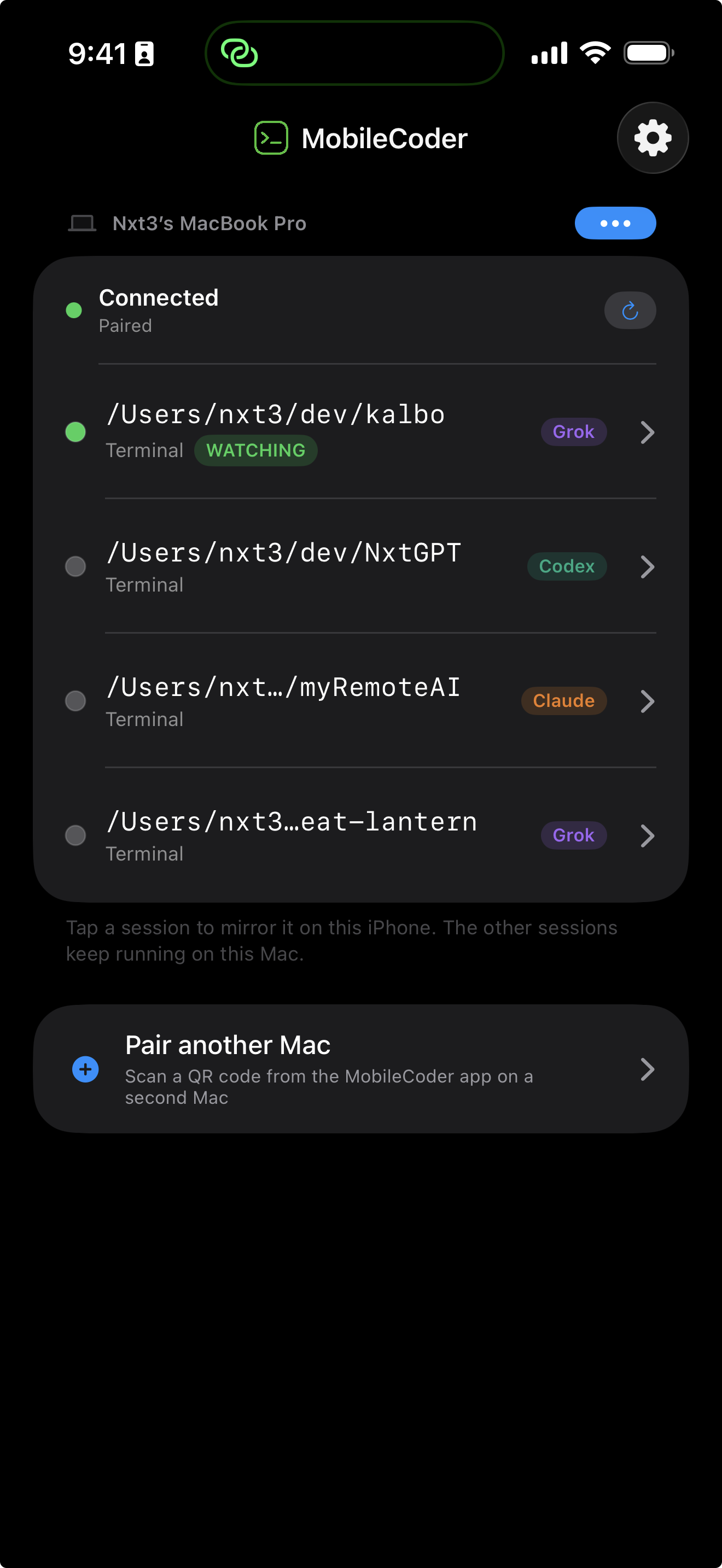
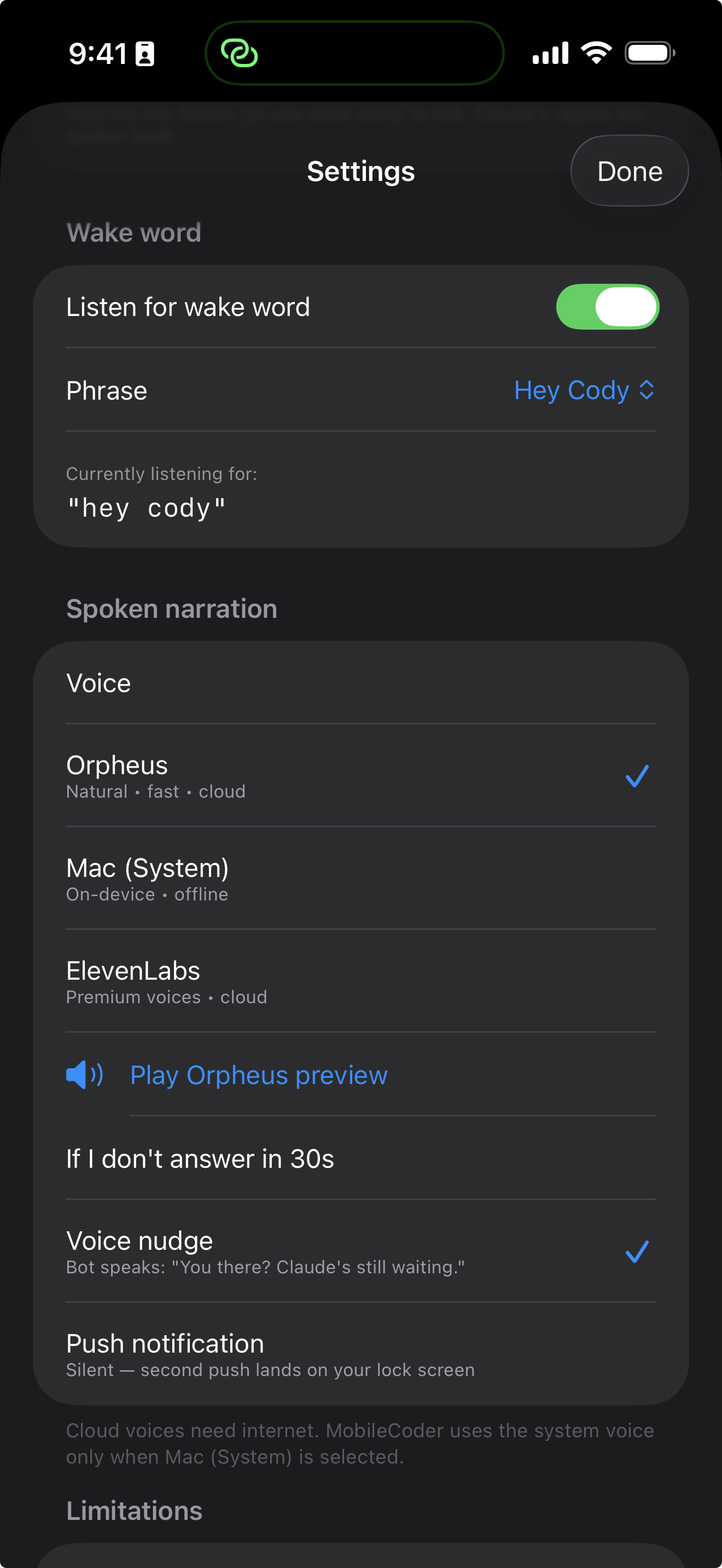
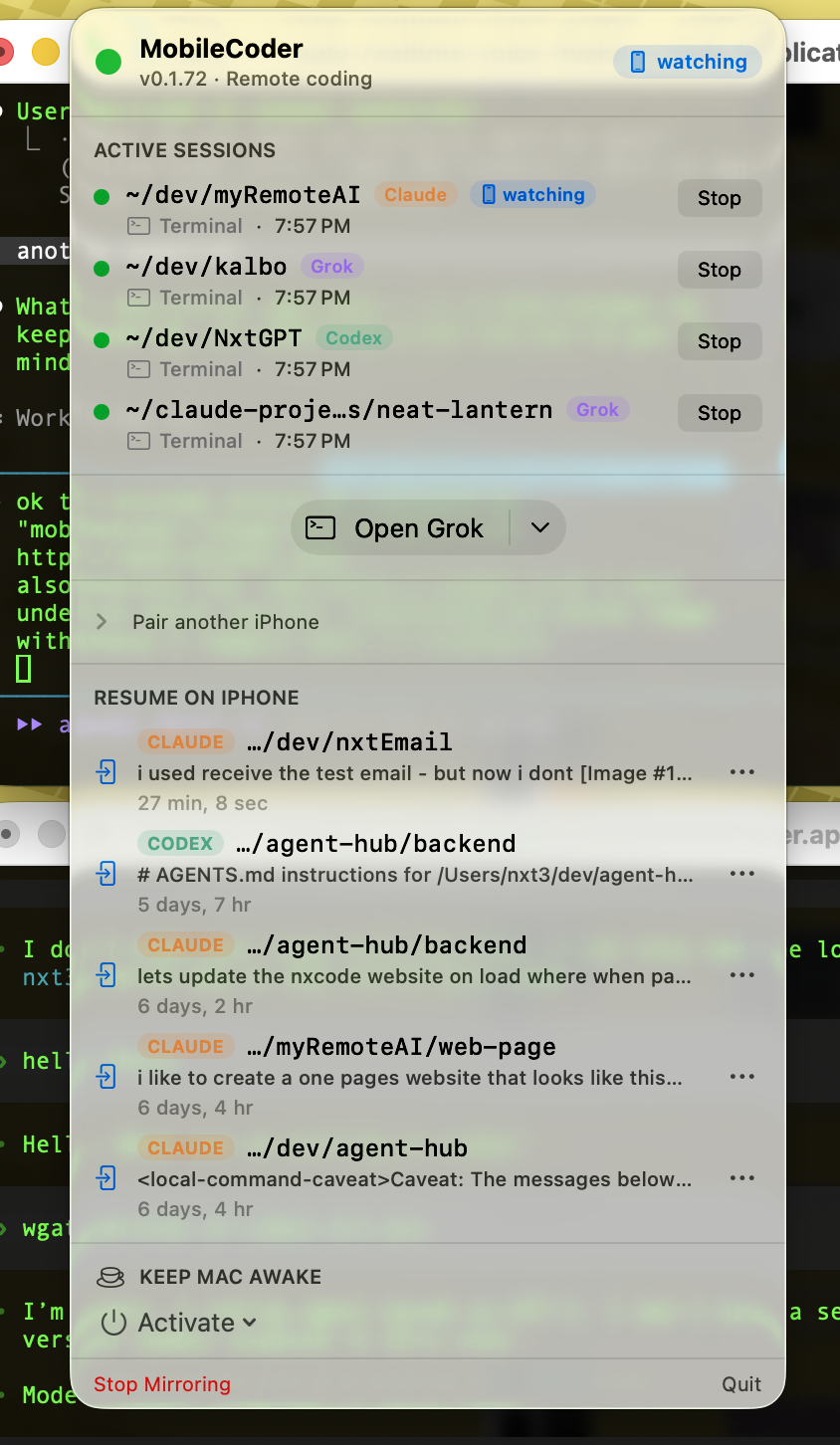
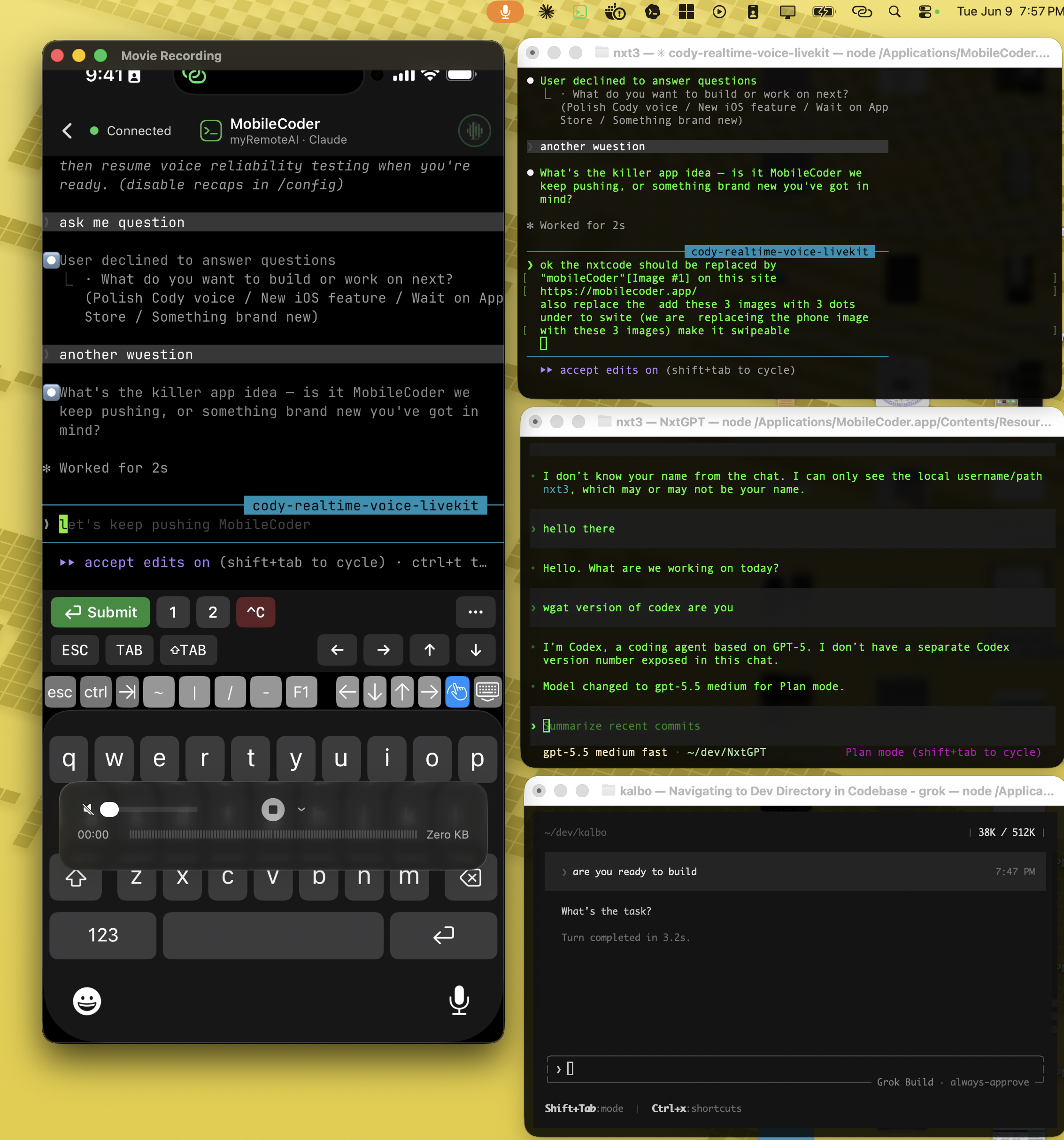
# Your agent runs for 20 min. You're stuck for 20 min.
Your coding agent is autonomous — until it pauses for input. Without a leash, you're parked at your desk just in case.
# How the leash works
A tiny Mac utility watches your agent. Your iPhone is its remote. Everything between them is encrypted.
[1] push when it pauses
Your Mac watches your agent in real time. The moment it stops for input, your iPhone gets a push — on cellular, abroad, or with your laptop closed across town.
[2] tap to respond
Read the agent's question. Type back, or hit numbered keys 1–5 for multiple-choice prompts. The UI is tuned for thumb-speed.
[3] your machine keeps running
Your session stays alive at your desk while you're gone. Walk back, pick up where you left off — no reconnect, no replay, no lost context.
# SSH gives you a terminal. MobileCoder gives you a leash.
You can SSH to your Mac or PC from your phone. Here's why we built this instead.
| ssh | mobilecoder | |
|---|---|---|
| push when your agent pauses | — | ✓ |
| one-tap 1–5 approve/reject | — | ✓ |
| cellular without VPN setup | tunnel | ✓ |
| setup time | 30+ min | ~5 min |
| end-to-end encrypted | ✓ | ✓ |
# Install the companion on your Mac or Windows PC
MobileCoder needs a small companion on the computer that runs your agent, plus the iPhone app. The companion runs only while you're using your CLI — no daemon, nothing phoning home.
[2] or curl install
Paste in Terminal — verifies Apple signature before installing.
curl -fsSL https://mobilecoder.app/nxtcode/install.sh | bash[3] then pair
In any terminal: nxtcode claude — or nxtcode codex / nxtcode grok. A QR code prints. Open the MobileCoder iPhone app, tap Pair, scan.
Verify the .pkg yourself: spctl --assess --type install NxtCode.pkg → expects
accepted, source=Notarized Developer ID.
[1] one-line install
Paste in PowerShell or Windows Terminal. No admin rights needed — installs to your user profile and adds nxtcode to your PATH. Installs Node.js 20 via winget if you don't have it.
irm https://mobilecoder.app/nxtcode/install.ps1 | iex[2] or download the zip
Windows 10 (1809+) / 11, x64 & ARM64, ~6 MB. Extract, then run powershell -ExecutionPolicy Bypass -File .\install.ps1.
[3] then pair
Open a new terminal and run nxtcode-mirror — leave it running. In a second terminal, inside your project: nxtcode claude (or nxtcode codex). A QR code prints. Open the MobileCoder iPhone app, tap Pair, scan.
Needs Claude Code on the PC too: npm install -g @anthropic-ai/claude-code.
Uninstall any time with uninstall.ps1 in the install folder.
# Your code stays on your machines.
Every message between your iPhone and Mac is end-to-end encrypted with a key derived during pairing. Our relay forwards encrypted bytes — it can't read your prompts, your code, or the agent's responses.
We store no messages. We run no analytics on your sessions. Your account with Anthropic, OpenAI, xAI, or whichever provider you use stays yours — MobileCoder never touches your API keys.
read the full policy →
# MobileCoder
One app for Claude Code, Codex, Grok, and any terminal coding agent.
- works with
Claude Code,Codex,Grok, + - live terminal mirror — see your agent in real time
- push notification when your coding agent is waiting
- tap-to-approve from lock screen + Apple Watch
- multi-machine: pair your Mac, Windows PC, work + travel laptops
- end-to-end encrypted, works on cellular / Wi-Fi
- voice mode — talk to your agent, hear it back SOON
# FAQ
What if my Mac sleeps while I'm away?
Will this work over cellular when I'm traveling?
Do I need to keep my Mac / PC running?
Does it work on Windows?
nxtcode-mirror once per session to start the relay + tunnel, then
nxtcode claude in your project. Windows 10 (1809+) / 11, Windows Terminal
recommended. There's no menu-bar app on Windows yet — everything the iPhone needs
works from the terminal.